

My phone’s photo library had somehow reached over thirty thousand images, an almost incomprehensible number that included dozens of nearly identical shots of the same moment, blurry accidental photos, and screenshots I’d forgotten I’d even taken. My computer’s desktop looked similarly chaotic, files scattered without any folder structure, downloads never sorted, documents named things like final version two that gave no real indication of their actual content. It took a genuinely dedicated effort, spread across several sessions rather than one overwhelming attempt, to bring both under control, but the resulting clarity made an enormous difference in how much time I spent simply searching for things I knew existed somewhere in that digital mess.
Digital clutter creates real friction and stress in daily life, even though it’s less visually obvious than physical clutter. Here’s how to actually organize files, photos, and apps into a system that stays manageable long-term.
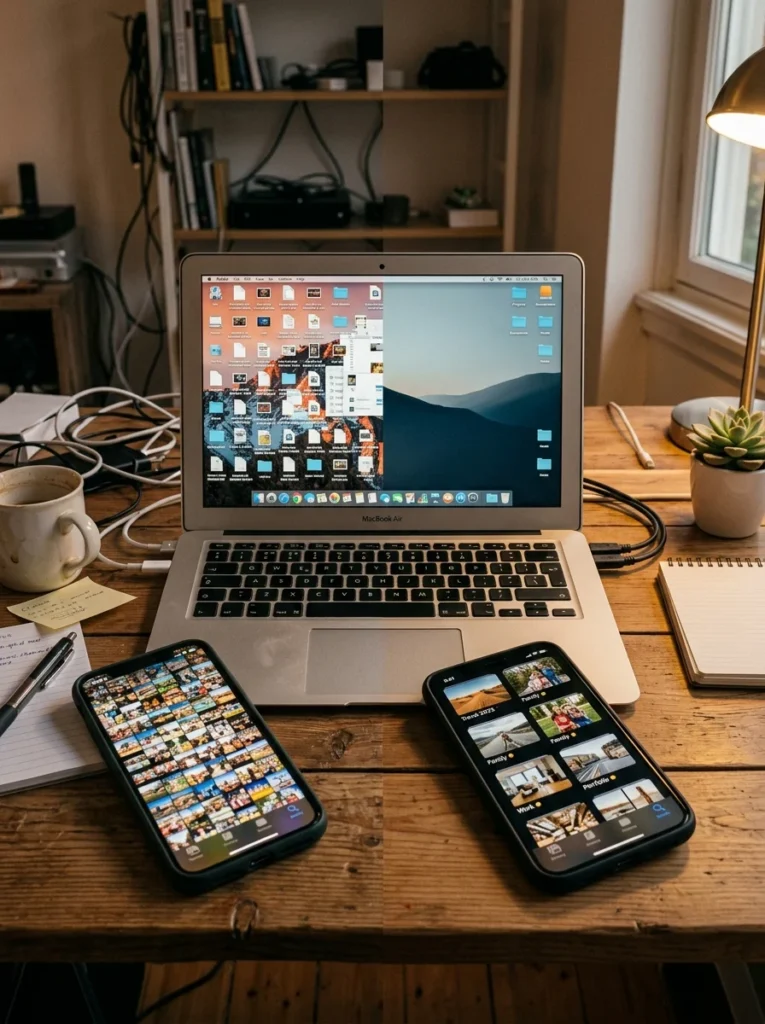
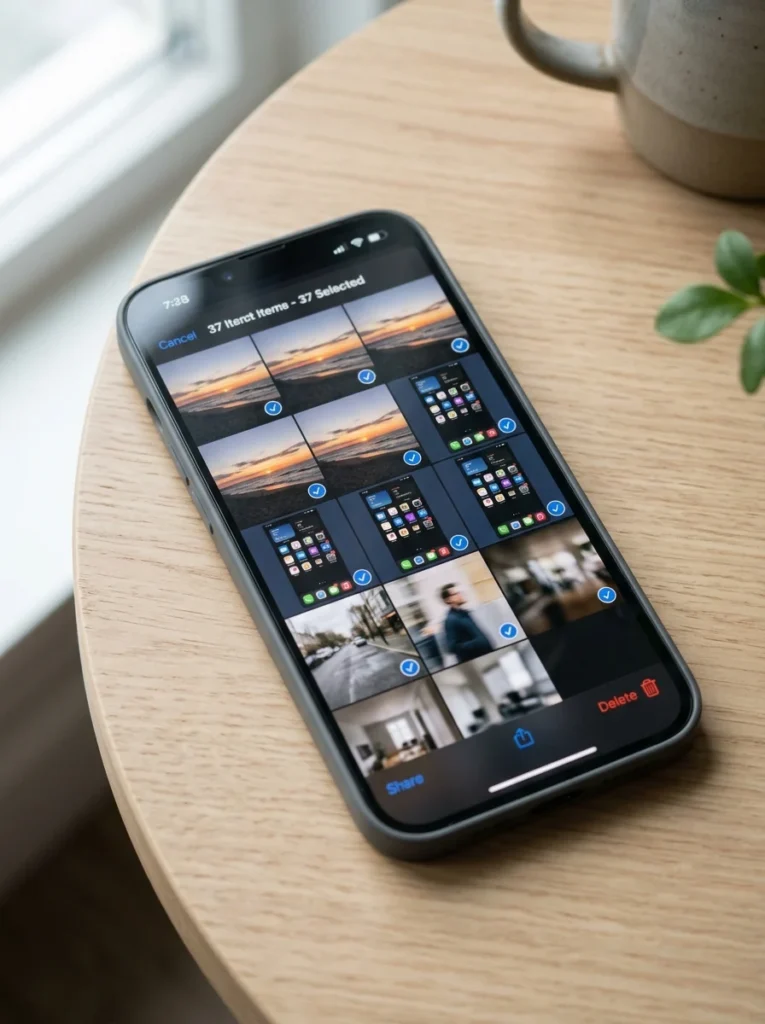
Start with your phone’s photo library using batch review
Rather than reviewing photos one at a time, which is genuinely exhausting across a library of thousands of images, most phones and photo apps offer a rapid batch review or swipe-based deletion feature that lets you move through images considerably faster, quickly deleting obvious duplicates, blurry shots, and accidental captures without needing to deliberate extensively over each individual photo.
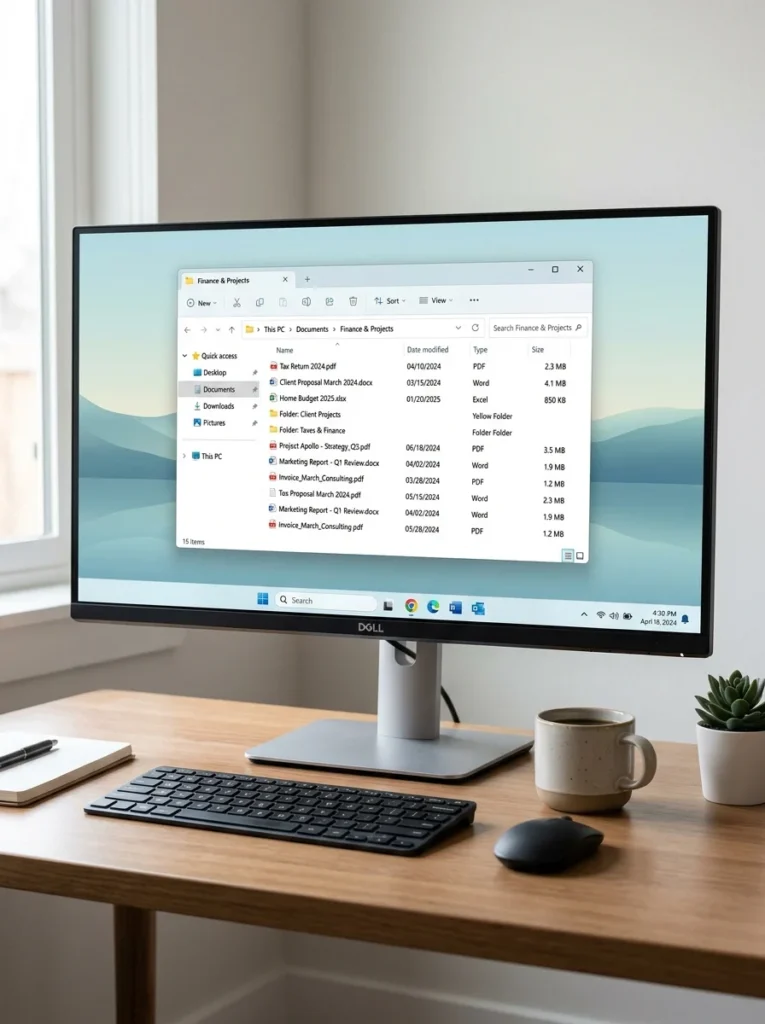
Create a simple, consistent folder structure for documents
A small number of clearly named top-level folders, organized by broad category, work, personal, financial, rather than an ever-growing flat list of individual files or an overly complex, deeply nested folder system, makes documents considerably easier to file consistently and find again later. The simplest structure that genuinely works for your specific needs is better than an elaborate system that’s too complicated to maintain consistently.

Use consistent, descriptive file naming instead of vague labels
Replacing vague file names, document, final, final version two, with a consistent naming convention that includes the actual content and date, tax return 2024, client proposal March, makes files considerably easier to locate through search alone, even without perfect folder organization, since search functions rely heavily on the actual file name matching what you’re looking for.
Set up automatic photo backup and organization tools
Most phone and cloud photo services offer automatic organization features, grouping photos by date, location, or even recognized faces, that can be enabled to handle much of the sorting work passively rather than requiring manual organization for every new photo taken going forward. Setting this up once, rather than relying purely on periodic manual cleanup sessions, prevents the same overwhelming backlog from building up again after an initial decluttering effort.

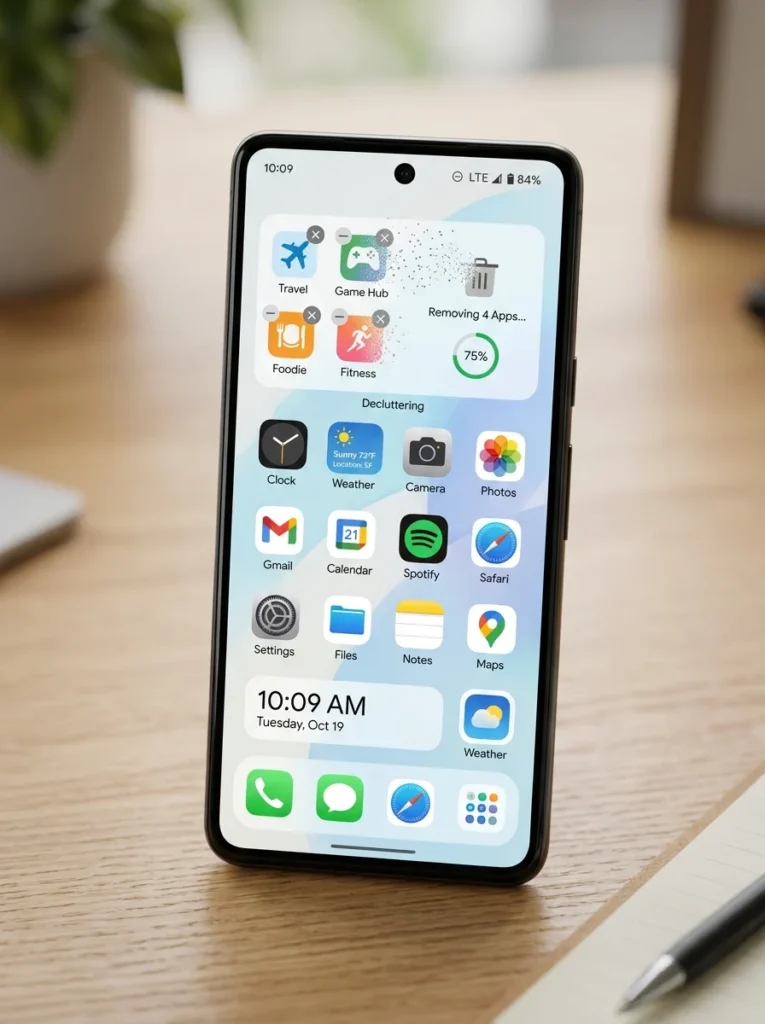
Delete unused apps rather than letting them accumulate
Apps downloaded for a single specific purpose, a one-time event, a trip, a brief interest, tend to accumulate on a phone or computer long after their original purpose has passed, taking up storage space and, often more significantly, contributing to a cluttered, harder-to-navigate home screen or app list. Periodically reviewing installed apps and removing anything genuinely unused in the past several months addresses this specific, often-overlooked category of digital clutter.
Unsubscribe from email lists and organize your inbox with folders or labels
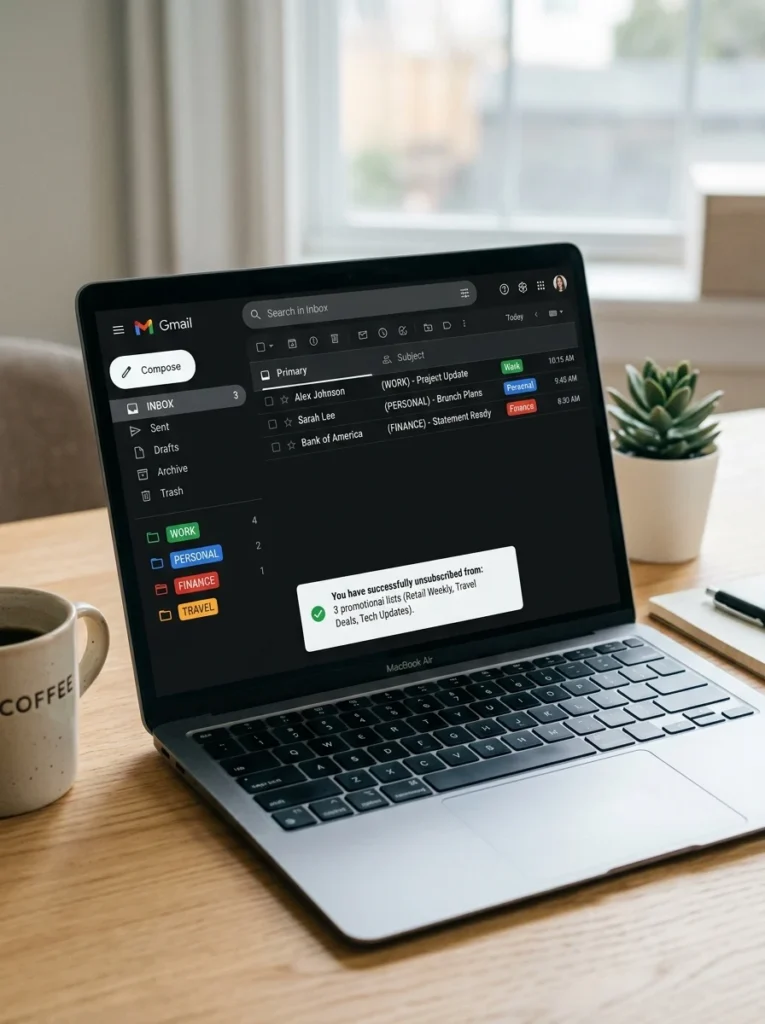
An overflowing email inbox creates similar friction to physical clutter, making it hard to find genuinely important messages amid promotional emails and newsletters that accumulate over time. Unsubscribing from lists you no longer read, combined with setting up a small number of folders or labels for ongoing categories you do want to keep organized, meaningfully reduces this specific source of digital overwhelm.
Back up and then delete truly unnecessary duplicate files
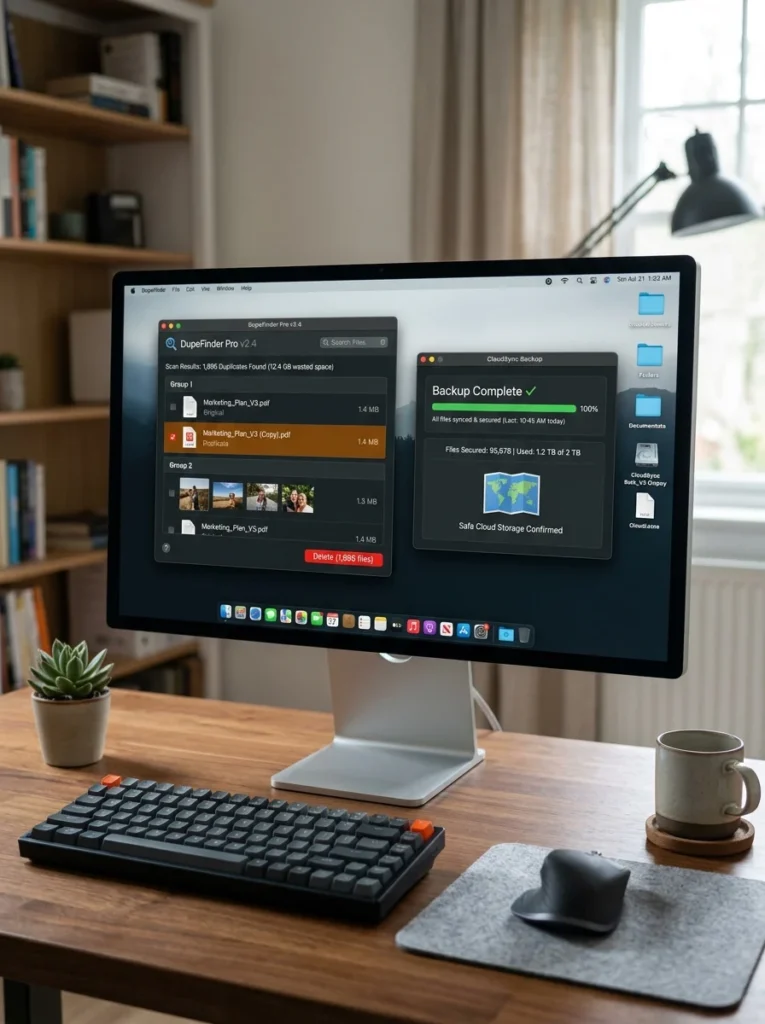
Duplicate files, often created through repeated downloads, multiple saved versions of the same document, or photos synced across multiple devices and cloud services, can be identified using duplicate-finding tools available for most operating systems and cloud photo services, then safely removed once you’ve confirmed a genuine backup of anything worth keeping exists elsewhere.
Establish a regular, brief digital maintenance habit
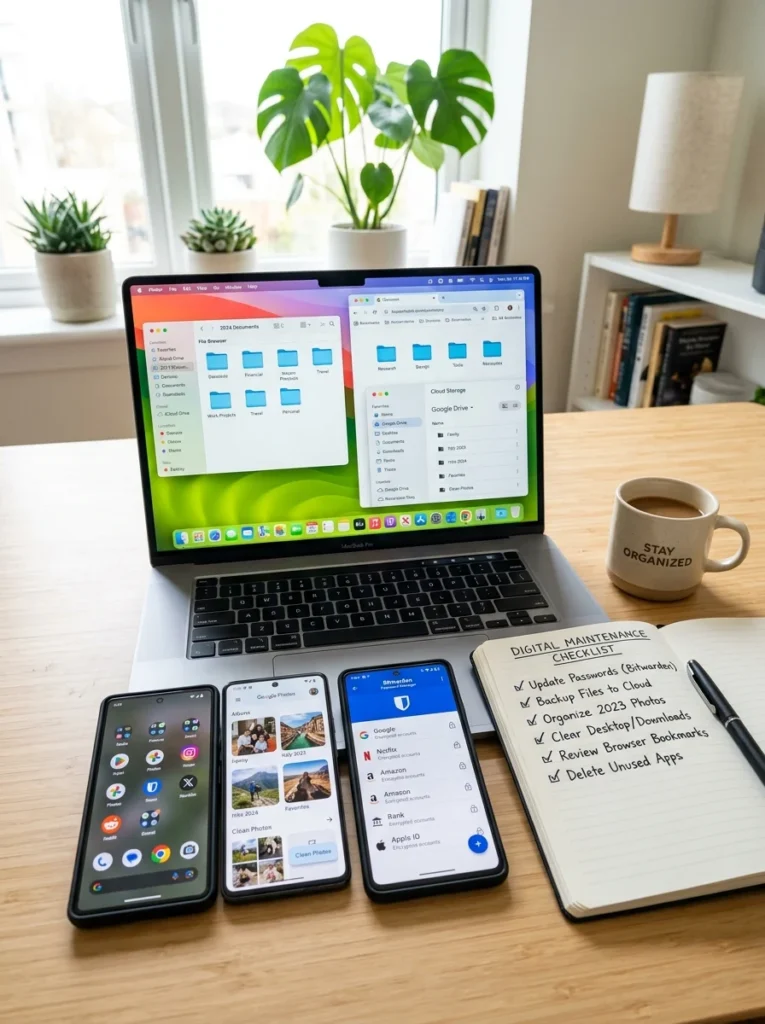
Similar to a physical decluttering routine, a brief, regular digital maintenance session, perhaps monthly, reviewing recent downloads, clearing out screenshots, deleting a few unused apps, prevents digital clutter from reaching the same overwhelming volume that initially required a much larger, more time-consuming cleanup effort.

Organize digital photos into albums or collections for easier retrieval
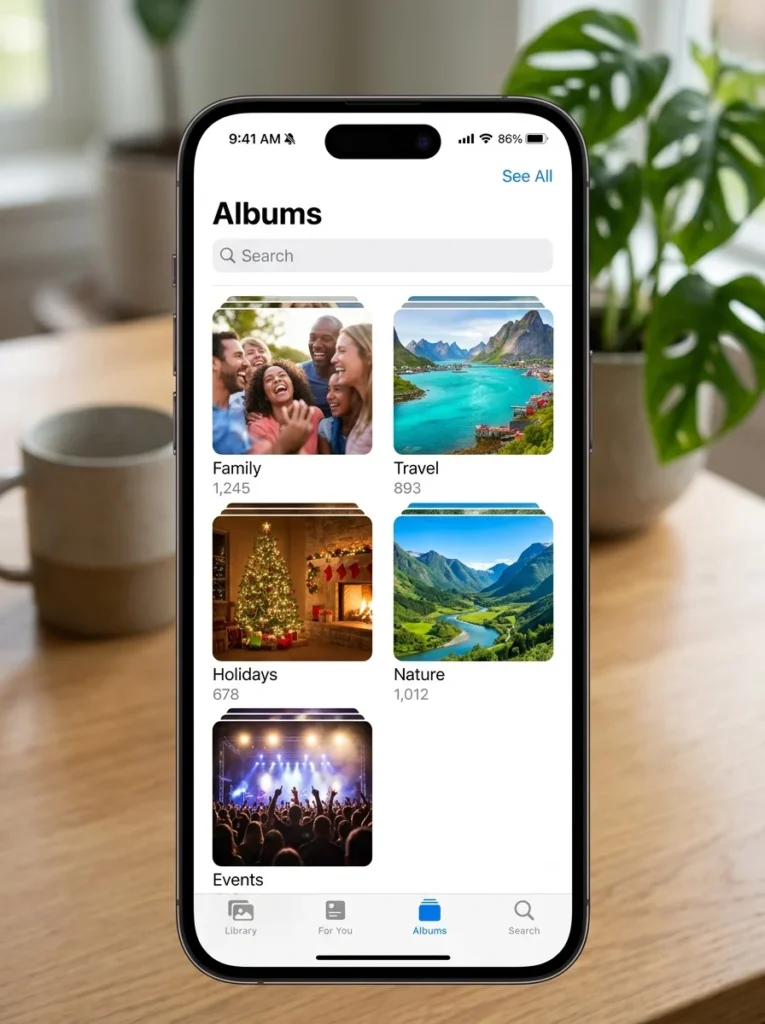
Beyond simply deleting unwanted photos, organizing the photos you do keep into clearly labeled albums or collections, by year, by event, by person, makes it considerably easier to actually find and enjoy specific photos later, rather than scrolling through a single enormous, undifferentiated camera roll every time you’re looking for something specific.
Consider what genuinely needs to be backed up versus permanently deleted
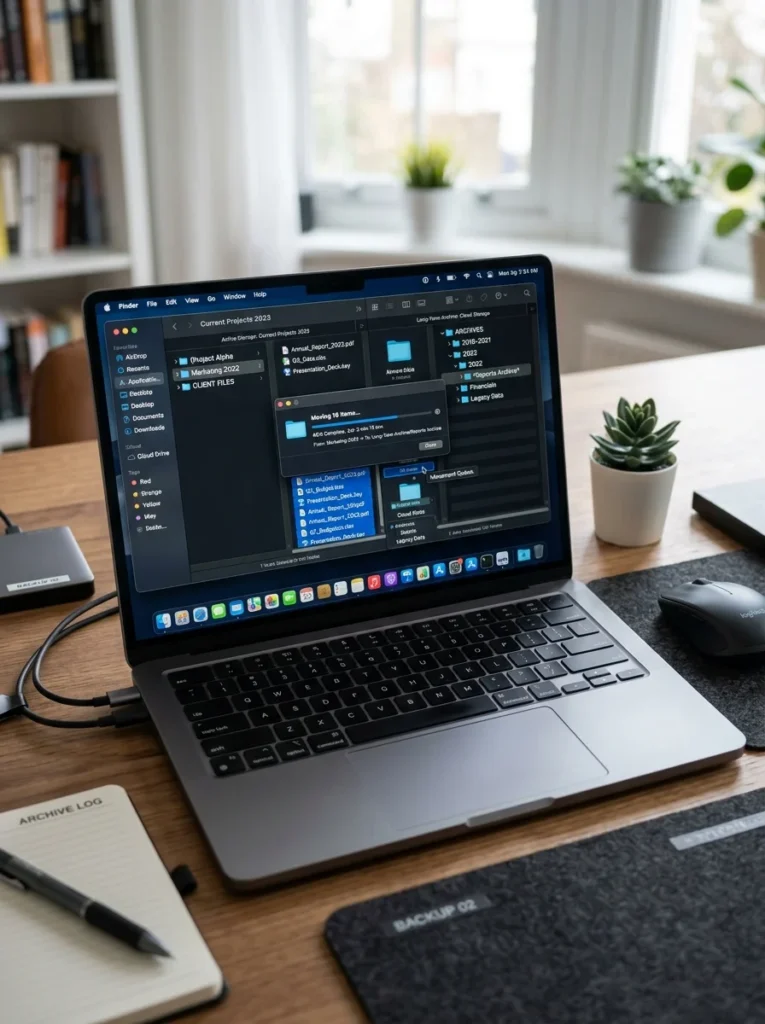
Not every digital decluttering decision needs to be a permanent deletion; some files and photos are worth moving to a lower-cost, less immediately accessible backup or archive storage rather than keeping them cluttering your primary, frequently accessed devices and accounts, striking a middle ground between keeping everything visible and permanently discarding items you might genuinely want to reference again someday.
Tame browser tabs and bookmarks before they overwhelm you
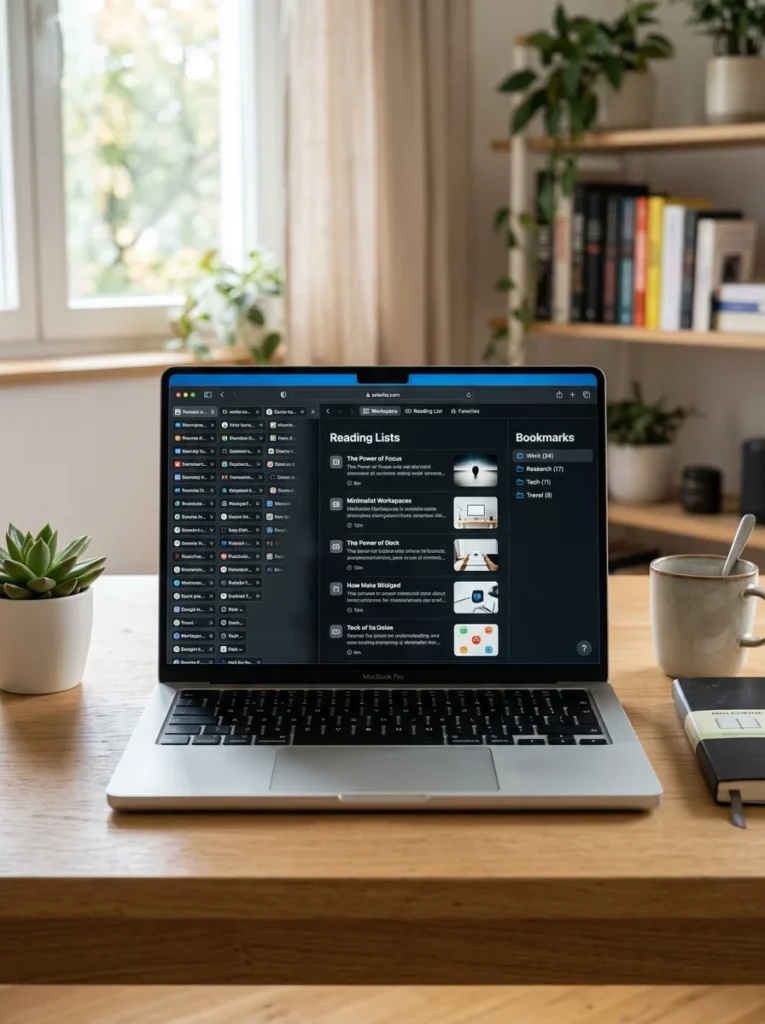
Dozens of open browser tabs, each representing something you meant to read or reference later, create a genuinely significant source of digital clutter and mental background noise, similar to physical piles of unsorted paper. Using a save-for-later or reading list feature to capture genuinely useful tabs before closing them, rather than keeping everything open indefinitely, and periodically reviewing and pruning saved bookmarks that are no longer relevant, addresses this specific, often underappreciated category of digital overwhelm.
Review and close unused online accounts and subscriptions
Beyond files and apps, accumulated online accounts, old shopping sites rarely used, forgotten free trial signups, unused streaming or subscription services, represent both a security consideration, more accounts mean more potential points of vulnerability, and a genuine source of digital clutter worth periodically reviewing and closing. This is also a worthwhile category to check specifically for any forgotten paid subscriptions quietly charging a card each month for a service no longer actually used.

Organize and secure your passwords with a password manager
A dedicated password manager consolidates and organizes login credentials that might otherwise be scattered across sticky notes, browser-saved passwords, and half-remembered variations, simultaneously improving both digital organization and genuine account security. Beyond convenience, this kind of organization reduces the friction and frustration of repeated password reset requests that scattered, disorganized credentials often create.

Clear out digital clutter on shared or family devices specifically
Devices used by multiple family members, a shared family computer, a household streaming account, tend to accumulate digital clutter faster than individually used devices, since multiple people are adding files, apps, and saved items without necessarily communicating about what’s already there. Establishing simple shared conventions, a designated shared folder structure, an agreement to periodically review together, helps manage this specific multi-user complexity.

Organize cloud storage the same way you would local files
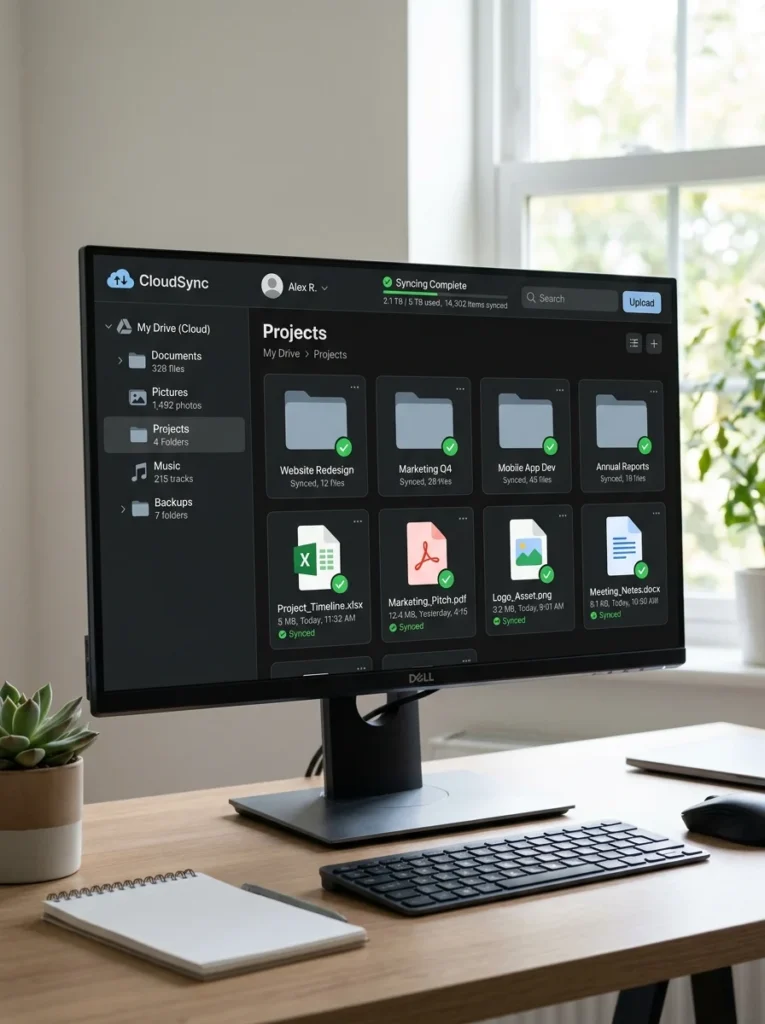
Cloud storage services often become a dumping ground precisely because their apparent unlimited capacity removes the natural pressure a full physical drive would otherwise create, but applying the same folder structure and naming conventions used for local files to cloud storage keeps this space equally organized and searchable rather than becoming its own separate, disorganized clutter zone simply because it exists somewhere less visible than your primary device.
What’s the fastest way to declutter a huge phone photo library?
Using a rapid batch review or swipe-based deletion feature, available in most phone photo apps, lets you move through large volumes of images considerably faster than reviewing each photo individually, quickly clearing obvious duplicates and blurry shots without extensive deliberation.
How complex should my document folder structure be?
A small number of clearly named top-level folders organized by broad category tends to work better than either a flat, unorganized file list or an overly complex, deeply nested structure that’s too complicated to maintain consistently over time.
Should I delete apps I might use again someday?
Generally, if an app hasn’t been used in several months, it’s a reasonable candidate for removal, since most apps can be quickly redownloaded later if genuinely needed again, and removing unused apps reduces both storage use and home screen clutter in the meantime.
How often should I do digital maintenance to prevent buildup?
A brief, regular session, roughly monthly, reviewing downloads, screenshots, and unused apps, prevents digital clutter from reaching the same overwhelming volume that would eventually require a much larger, more time-consuming cleanup effort.
How do I deal with dozens of open browser tabs?
Using a save-for-later or reading list feature to capture genuinely useful tabs before closing them, rather than keeping everything open indefinitely, addresses this specific source of digital clutter, and periodically reviewing saved bookmarks keeps that collection from growing unmanageable too.
Should I check for old subscriptions I’ve forgotten about?
Yes, periodically reviewing accounts and subscriptions is worth doing both for digital organization and to catch any forgotten paid services quietly charging a card each month for something no longer actually used.
Is a password manager worth using for digital organization?
Yes, a password manager consolidates login credentials that might otherwise be scattered across sticky notes and browser-saved passwords, improving both organization and account security while reducing the frustration of repeated password reset requests.
Organizing files, photos, and apps meaningfully reduces daily friction and mental overhead, even though digital clutter is less visually obvious than a cluttered physical room. A simple, consistent folder structure, descriptive file naming, automatic photo organization tools, and a regular brief maintenance habit all contribute to a genuinely manageable digital life rather than an overwhelming backlog.
My own phone’s photo library and computer desktop, once genuinely chaotic, now follow a simple system that took real, dedicated effort to establish but considerably less effort to maintain since, and I no longer waste time hunting through thousands of nearly identical images or vaguely named documents for something I know exists somewhere in the mess. If your own digital spaces have reached a similarly overwhelming state, start with just one category, your phone’s photos or your computer’s downloads folder, and build the habit from there rather than attempting everything simultaneously.